The product
Six surfaces, one set of data underneath them.
A meal-prep business usually runs on a shop, a spreadsheet, a label printer’s own software and a group chat with the drivers. Mealforma is the same business modelled once, so the menu a customer ordered from is the menu the kitchen cooks and the label prints.
Features
Everything you need to run and grow a meal prep business
Your own online store, open 24/7
Customers order and pay on your branded website, for delivery or pickup. No setup fee, and no fee added to their order.
Weekly meal plans that renew on their own
Customers save a card once and are charged automatically each week. They pick their meals, skip a week or pause on their own, and “Fill for me” chooses for anyone who forgets.
Know exactly what to cook
Orders turn into production sheets, ingredient shopping lists and packing lists automatically, so prep day starts with a plan, not a spreadsheet.
Macros and allergens on every meal, automatically
Nutrition is calculated from your recipes and printed on professional labels in one click.
Deliveries that plan themselves
Delivery zones and fees, routes built for you, and a driver app that works with no signal. (Growth)
Customers who manage themselves
Each customer has an account to change meals, update addresses, pause and see orders, so fewer messages come to you.
Tools that bring orders in
Gift cards customers buy online, coupons, referral rewards, store credit, reminder emails for abandoned carts, and a page for every town you deliver to.
Talk to customers where they are
Text messages, WhatsApp, LINE and email, with every conversation next to the customer’s orders. (Growth)
Know your numbers
Revenue, subscriptions, best-selling meals and the cost and margin of every meal.
Built for a team
Staff logins at no extra cost, each person seeing only what their job needs.
Running a real kitchen today
KPG Meal Prep runs on Mealforma
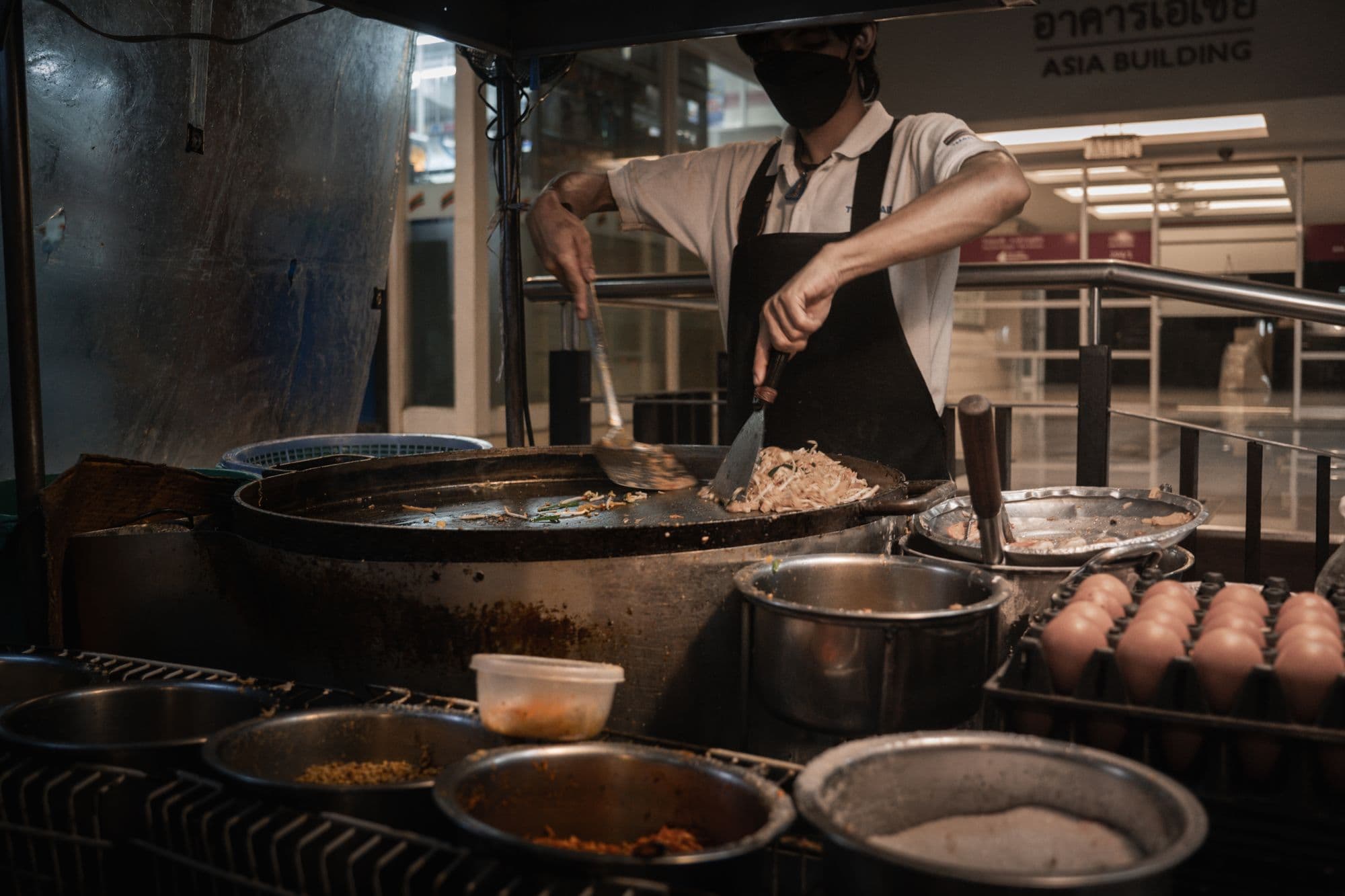
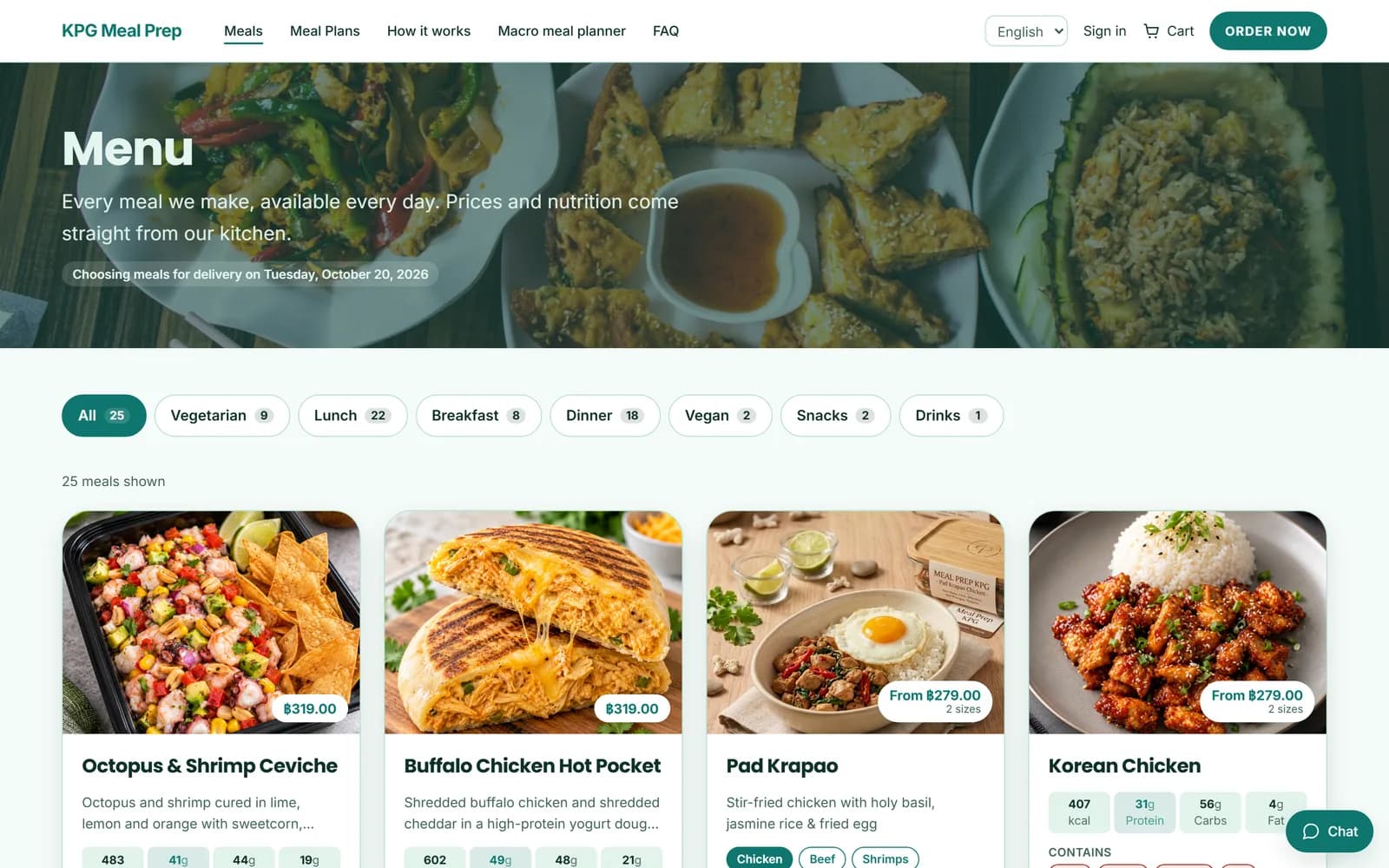
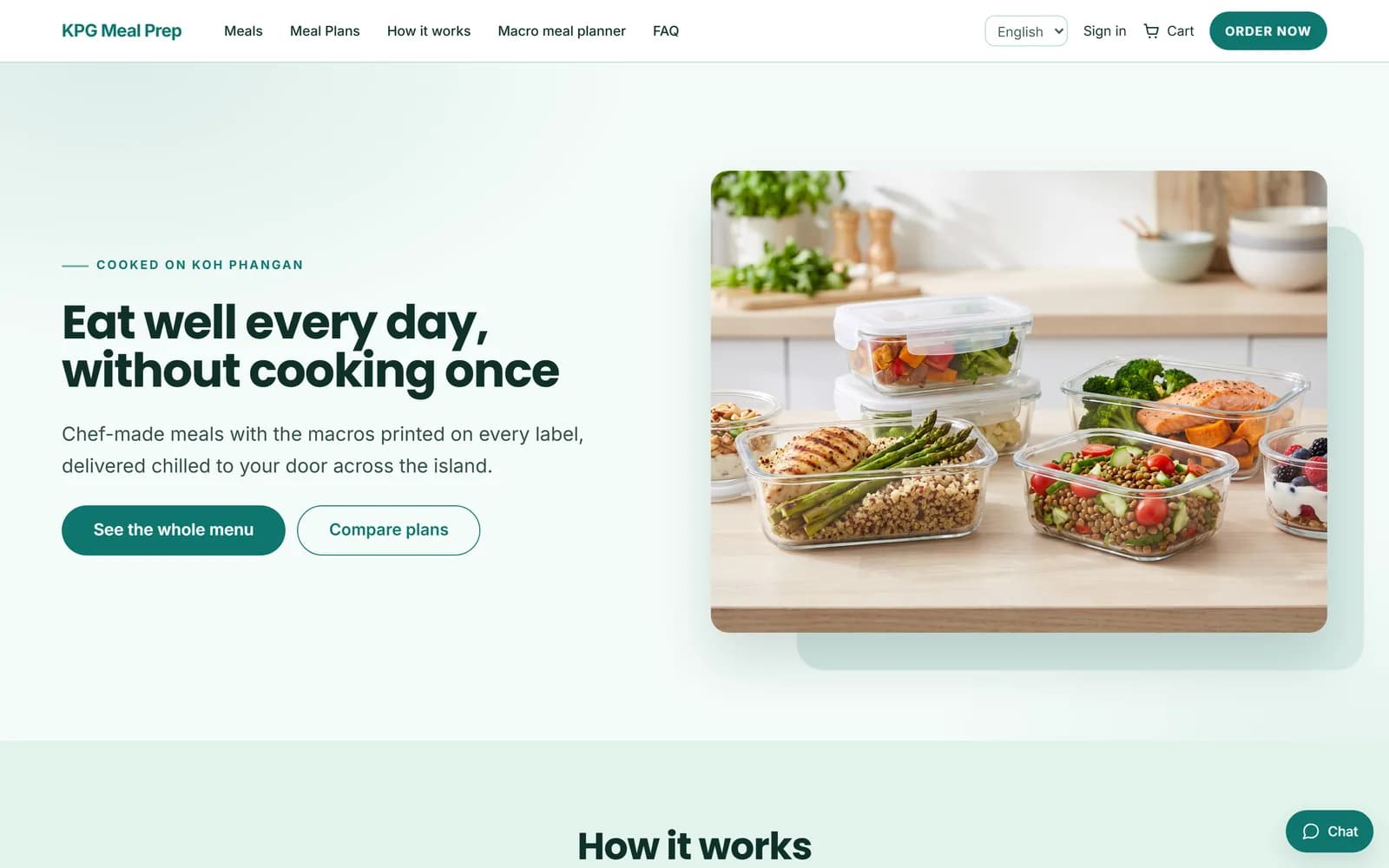
KPG Meal Prep cooks and delivers chef-made meals on Koh Phangan, Thailand. Their whole shop runs on Mealforma: the website customers order from, the weekly plans, the kitchen’s production list and the deliveries.
- 25 meals on the menu, each with calories, protein, carbs and fat
- 4 weekly meal plans customers choose, change, skip or pause themselves
- A macro meal planner that builds a week to each customer’s targets
- In English and Thai
Storefront and customer portal
A shop your customers order from, and a portal they manage their plan in — both driven by your catalogue rather than a separate website you keep in sync by hand.
- Menus, meals, variants and categories, with your own photography.
- A page builder and themes, so the site is yours without a front-end developer.
- Customer accounts: addresses, delivery preferences, order history, invoices.
- Multiple languages, with translations stored as data rather than duplicated pages.
- Your website is included. No setup fee, no hosting fee.
- A page for each town you deliver to,each at its own address with its own search title and description, and listed in your sitemap. You write them in the same editor as the rest of your website.
- Your country’s currency, address format and time zone, set from your country at sign-up.
Subscriptions and checkout
The part most meal-prep businesses actually run on, modelled properly instead of as a recurring charge with a menu attached.
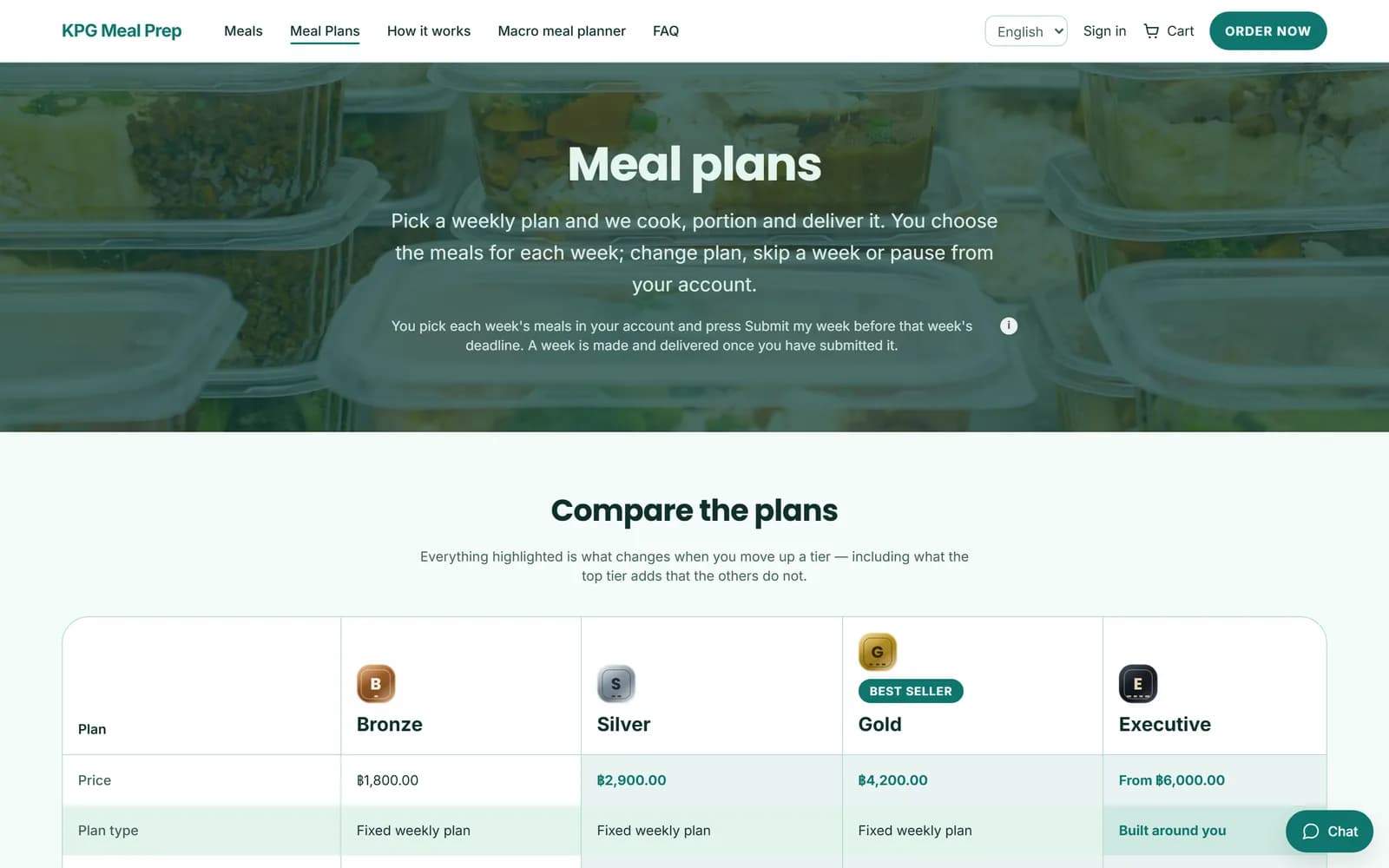
- Weekly plans with meal selection, skips, pauses, and cancellation rules you set.
- Cycle locks: after the cut-off the week is fixed, because the kitchen has already bought for it.
- “Fill for me” completes the rest of a customer’s week in one tap:their favourites and last week’s meals first, then the menu, skipping anything with an allergen on their list. Meals they already chose stay. “Repeat last week” copies the last one.
- Coupons checked and priced on the server at checkout, so a discount never comes from the browser.Referral rewards decided on the server, with fraud checks, and paid as store credit off the customer’s weekly subscription bill.
- A macro meal planner that fills a customer’s week from your menu to match their calories and protein.
Kitchen production
What to cook, how much, and from which recipe version — computed from the orders that are actually locked, not from a guess.
- Production runs that expand orders into batch quantities per recipe.
- Versioned recipes and versioned nutrition, so last week can be reproduced exactly.
- Ingredient costing with cost versions, so margin is a number rather than a feeling.
- Capacity limits per day so you cannot sell more Tuesdays than you can cook.
- Paste a recipe and its ingredient lines fill in from your own ingredient list.
- Track stock and it goes down by itself at the end of each delivery day, with low-stock alerts and shopping lists.
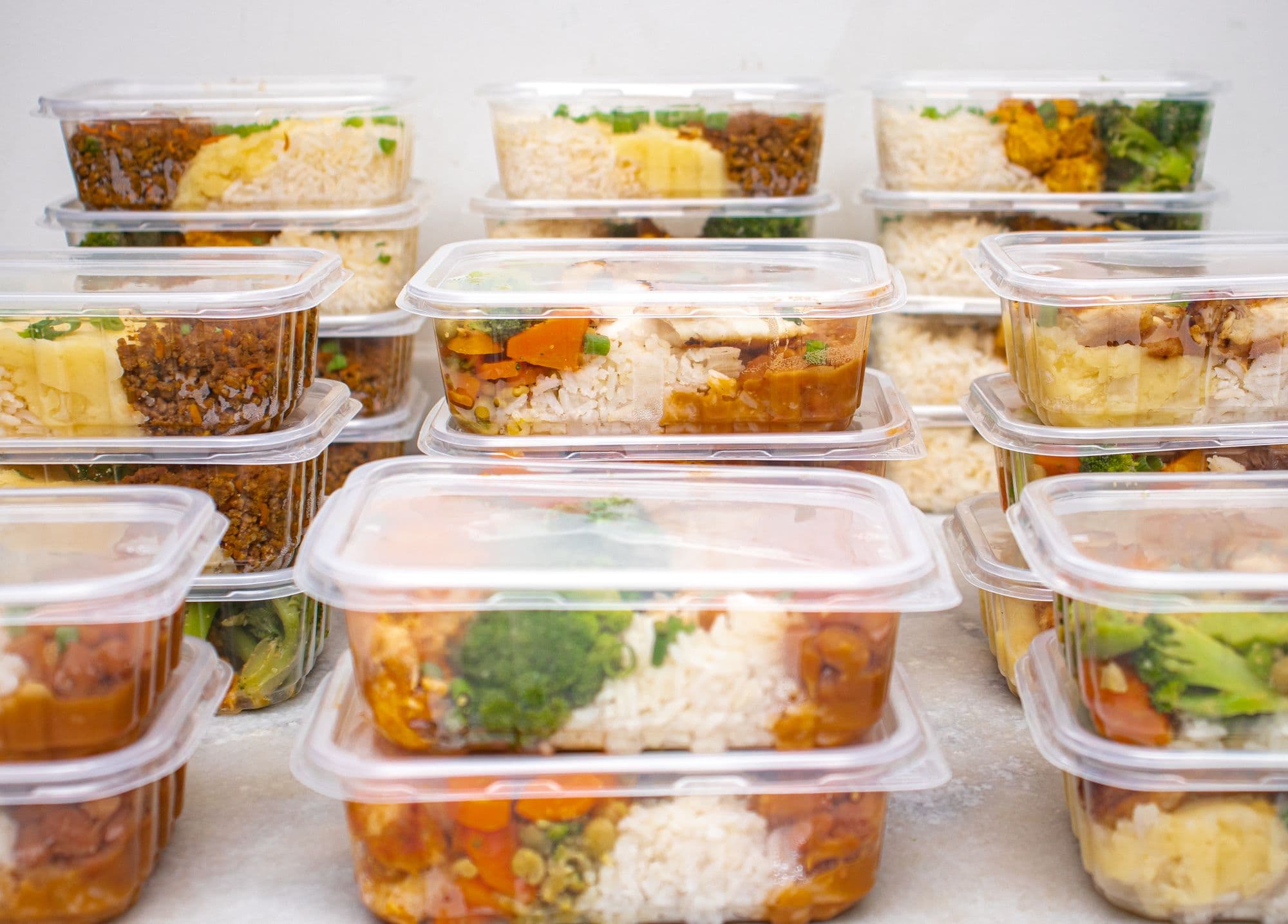
Labels and compliance
Labels print from the same recipe and nutrition versions the kitchen produced against, at exact physical size.
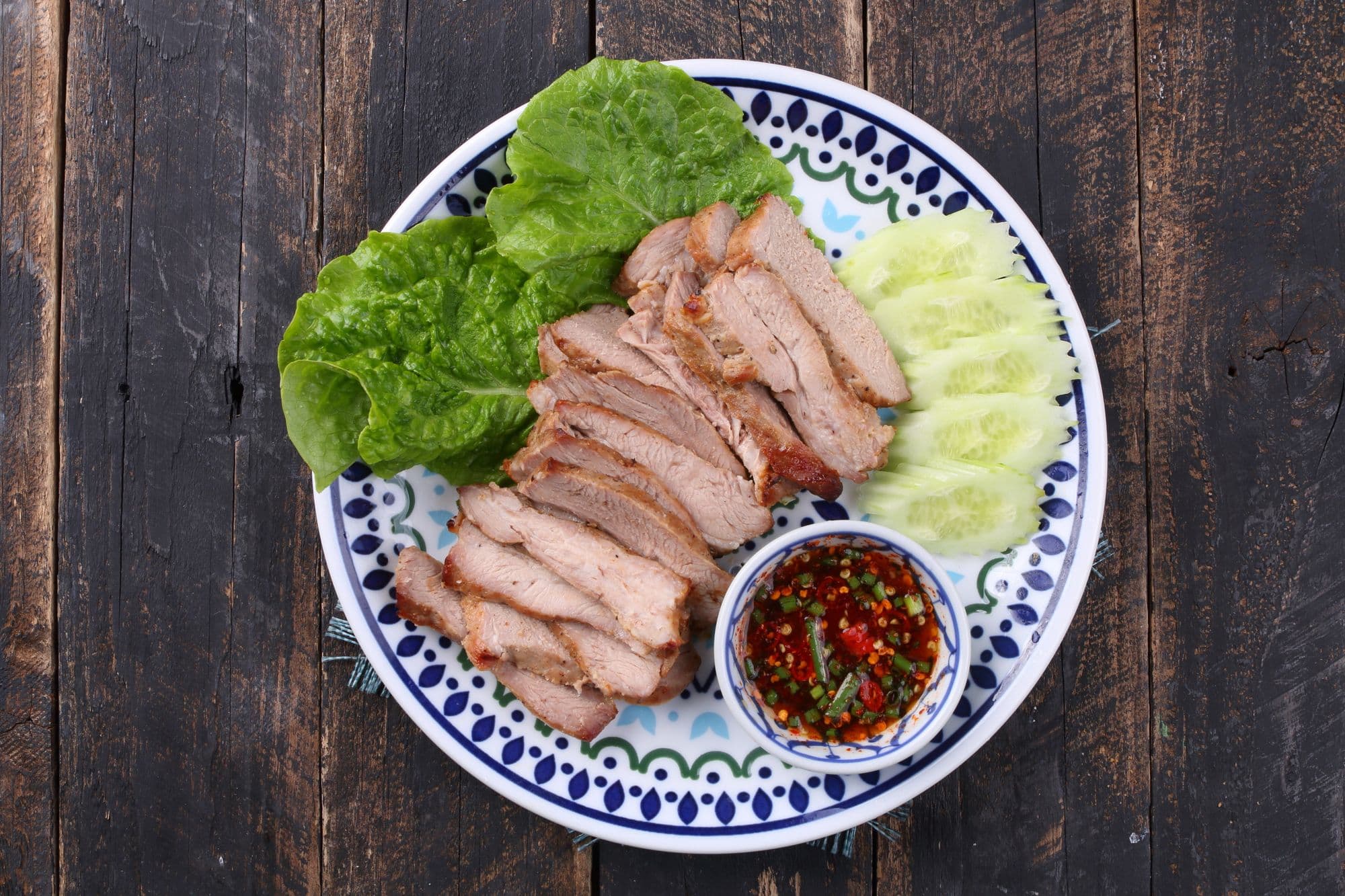
- Nutrition panels computed by the platform — never written by an AI, never asserted allergen-free by one.
- Allergen and ingredient statements from the approved ingredient matches.
- PDF output at the real label dimensions, for the printer you already own.
- Batch and use-by data tied to the production run that made the food.
- Ingredient nutrition looked up in USDA data, so you do not type it in by hand.
- The 14 major allergens built in, and you can add your own.A warning when a meal tagged Vegan or Vegetarian contains an allergen that contradicts the tag.
Delivery, routing and the driver app
Dispatch that assumes the phone loses signal, because in a delivery van it does. The driver app and route building come with the Growth plan.
- Delivery zones and per-zone fees and cut-offs.
- Route building using our own heuristic — no per-call fee to a routing vendor.
- A driver PWA that works offline and syncs when it can, with proof of delivery.
- Live driver positions on our own infrastructure, on OpenStreetMap tiles rather than a metered maps platform.
Admin and staff
The back office, with the permissions and the audit trail a business with staff actually needs.
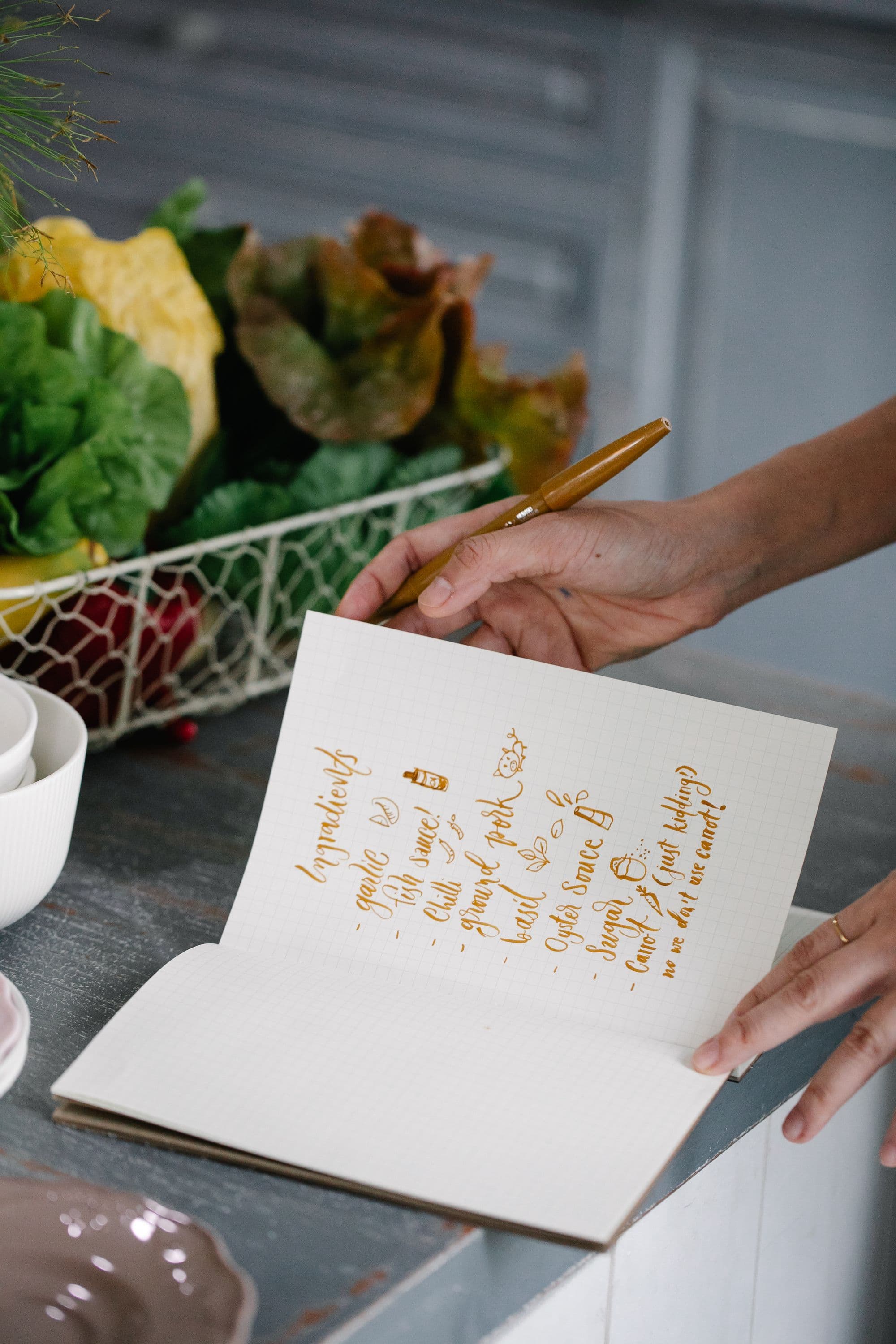
- Roles and permissions on every route, enforced server-side; hiding a button is not a permission.
- An audit trail of changes, and read auditing on customer personal data.
- A shared inbox where every email you send a customer is kept on their record, next to their recent orders (Growth plan).
- Two-step sign-in for staff, and a login for every member of staff at no extra charge.
- Email and push notifications to your customers, included in the plan.
Questions meal prep owners ask
What does it cost?
From $249 a month for one kitchen. No setup fee, and no percentage of your sales.
How long does setup take?
Most kitchens add their menu and take a first order the same day.
Can I try it first?
Yes. The 7-day free trial is a real, working shop: your menu, your website, real orders. There is no demo version.
Can I move from my current platform?
Yes. Bring your menu, plans and coupons in with a spreadsheet import, and we will help.
How do I get paid?
Straight into your own Stripe account. We never hold your money.
What if I want to leave?
Cancel any time and export your data.
Does it work in my country?
Your currency, address format and time zone are set from your country.
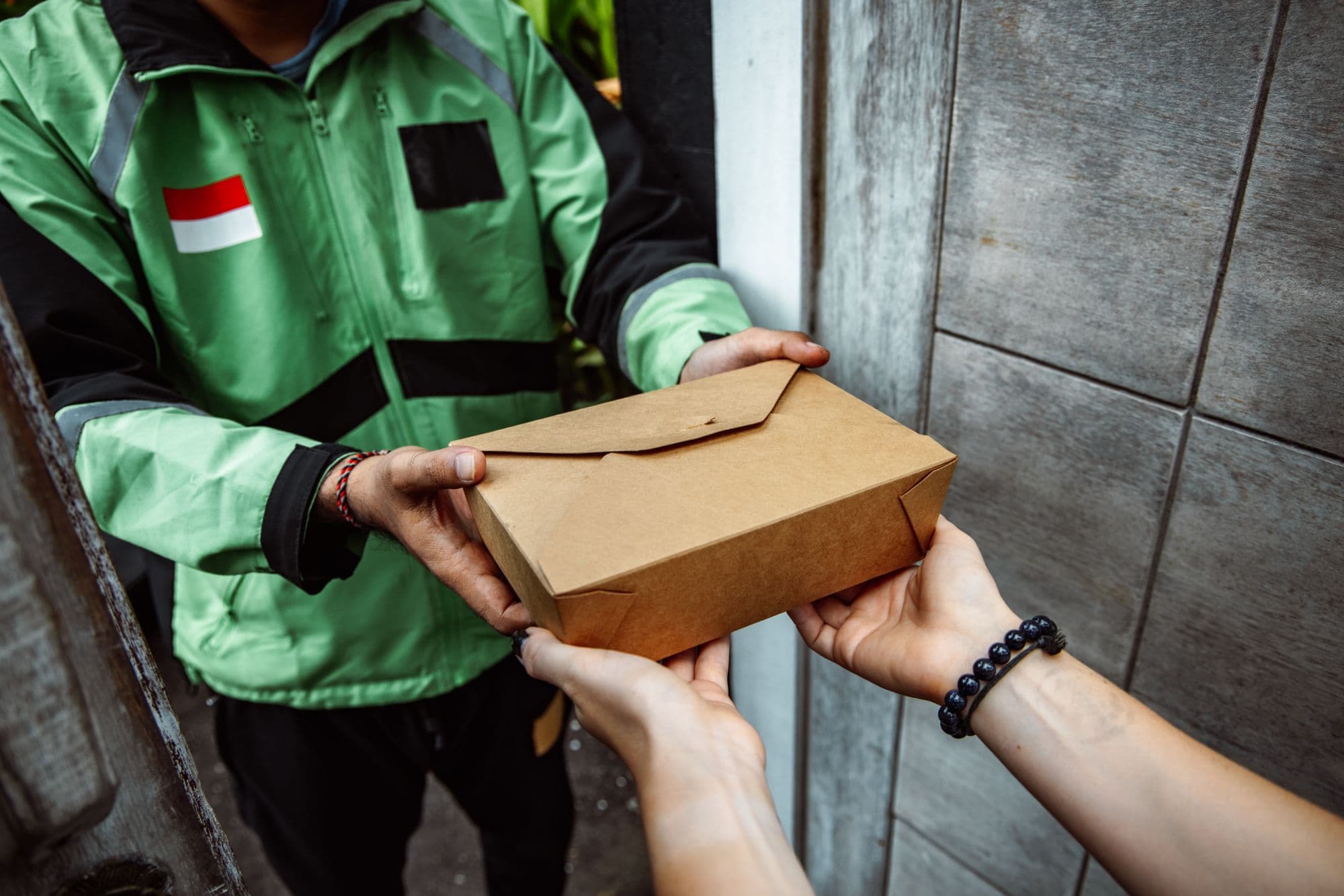
Getting your menu in
A trial with an empty admin is a dead trial, so a new Mealforma account starts with working settings, schedules, roles and a sample menu. Bring your real menu, plans and coupons across with the spreadsheet (CSV) importer, which checks every row before anything is saved.
The fastest way to judge it is to run a week through it.
A trial account is a real account with real provisioning, not a sandbox — so nothing is migrated if you keep it.