Meal prep software · Toronto, Ontario
Meal prep software for Toronto, Ontario.
Storefront, weekly subscriptions, kitchen production, labels and delivery routing for meal-prep companies across Toronto — from Liberty Village and Leslieville out to Scarborough, Etobicoke and the 905.
7-day free trial on a real account · from $249/month · never a cut of your sales
Toronto, Ontario, Canada
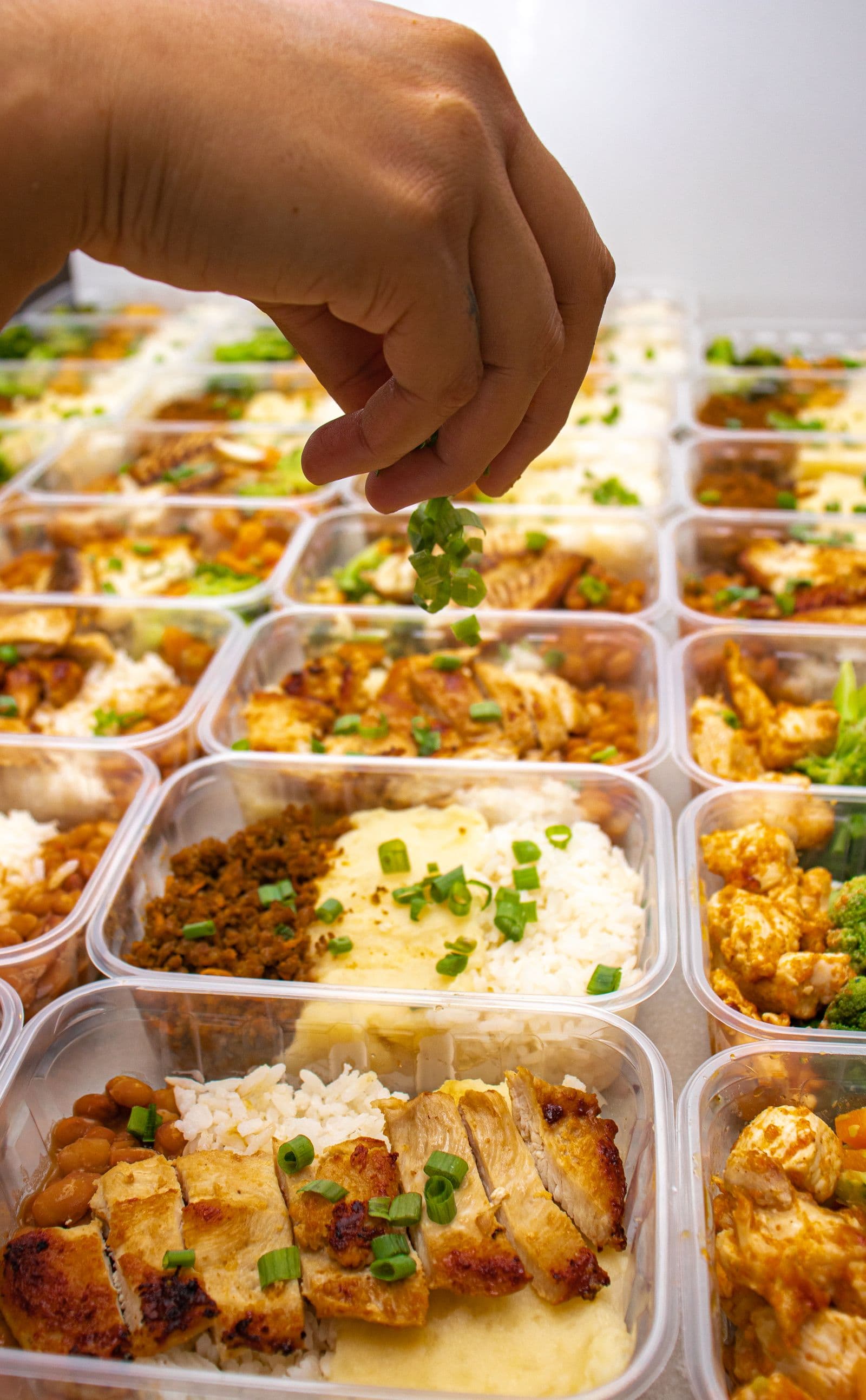
Meal prep in Toronto
Built for a city of small kitchens, long commutes and five months of winter.
Toronto buys meal prep the way it buys everything else — on a phone, at the end of a long commute. Condo kitchens are small, the gyms along Yonge and King fill up at six in the morning, and a large share of customers are people who cook once a week or not at all. Mealforma is meal prep software that gives a Toronto company one place to sell weekly plans, take the orders and see what the week is worth.
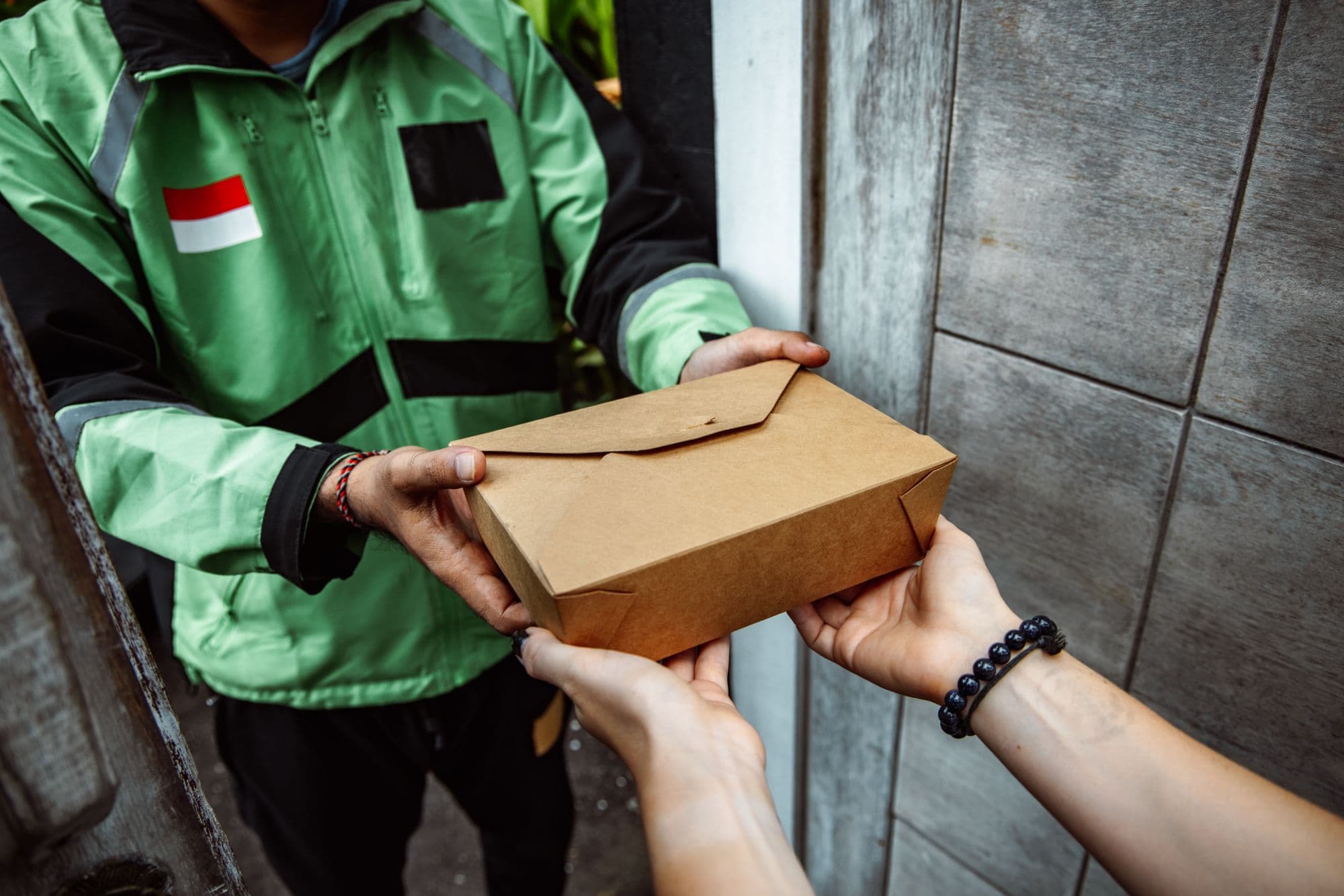
Winter is the delivery problem, not a footnote. From November a driver is on side streets that have not been ploughed, and a cold snap turns a missed window into food left on a porch. Downtown adds its own tax: a tower with one loading bay, a concierge who wants a buzzer code, and a service lift that has to be booked. Mealforma keeps the customer's access notes on the stop, gives the driver the stops in order, and records a photo at the door.
The metro spreads a long way. A kitchen in Leslieville can have customers in North York, Etobicoke and Scarborough, with Mississauga, Markham and Vaughan another half hour out on the 401 or the 407. Delivery zones, fees, delivery days and cut-off times are settings you change yourself, so adding a Tuesday run into Peel Region is a zone and a window rather than a new system or a call to support.
Toronto customers organise their own accounts. They choose this week's meals before the cut-off, skip the week they are at a cottage, pause through August and come back in September. The storefront and the customer portal handle all of that without an email to you, and the kitchen list counts only the orders that are actually locked — so a wave of Sunday skips does not leave you cooking for people who are away.
Delivering across Toronto
- Downtown
- Liberty Village
- King West
- Queen West
- Kensington Market
- The Annex
- Yorkville
- Cabbagetown
- Distillery District
- Leslieville
- Riverdale
- The Beaches
- Greektown
- Roncesvalles
- High Park
- The Junction
- Parkdale
- Forest Hill
- Leaside
- Yonge and Eglinton
- Willowdale
- Don Mills
- North York
- Etobicoke
- Scarborough
Also serving meal-prep companies near Toronto
- Mississauga
- Brampton
- Markham
- Vaughan
- Richmond Hill
- Oakville
- Burlington
- Milton
- Pickering
- Ajax
- Whitby
- Oshawa
- Newmarket
- Aurora
- Caledon
Starting a meal prep business? Read the guide first.
How to start a meal prep business in OntarioWhy Toronto operators move
Three things we decided, so you do not have to negotiate them.
Built-in AI. Set up in minutes, easy every day.
Your shop is ready the moment you sign up, and your team can run it without training. Then switch on AI wherever it helps: a chat on your website that answers customers from your own menu, an assistant in your admin that finds orders and drafts replies, and recipe import that turns a pasted recipe into macros and labels.
See what the AI doesNo percentage of your sales. Ever.
A flat monthly price, and that is the whole bill for the platform. We do not take a cut of your orders, your subscriptions or your growth, and we are not going to add it later.
See pricingOne system, from the shopping cart to the driver.
The menu a customer orders from is the same data the kitchen produces against, the labels print from, and the route is built from. Nothing is re-keyed between tools.
Everything it does

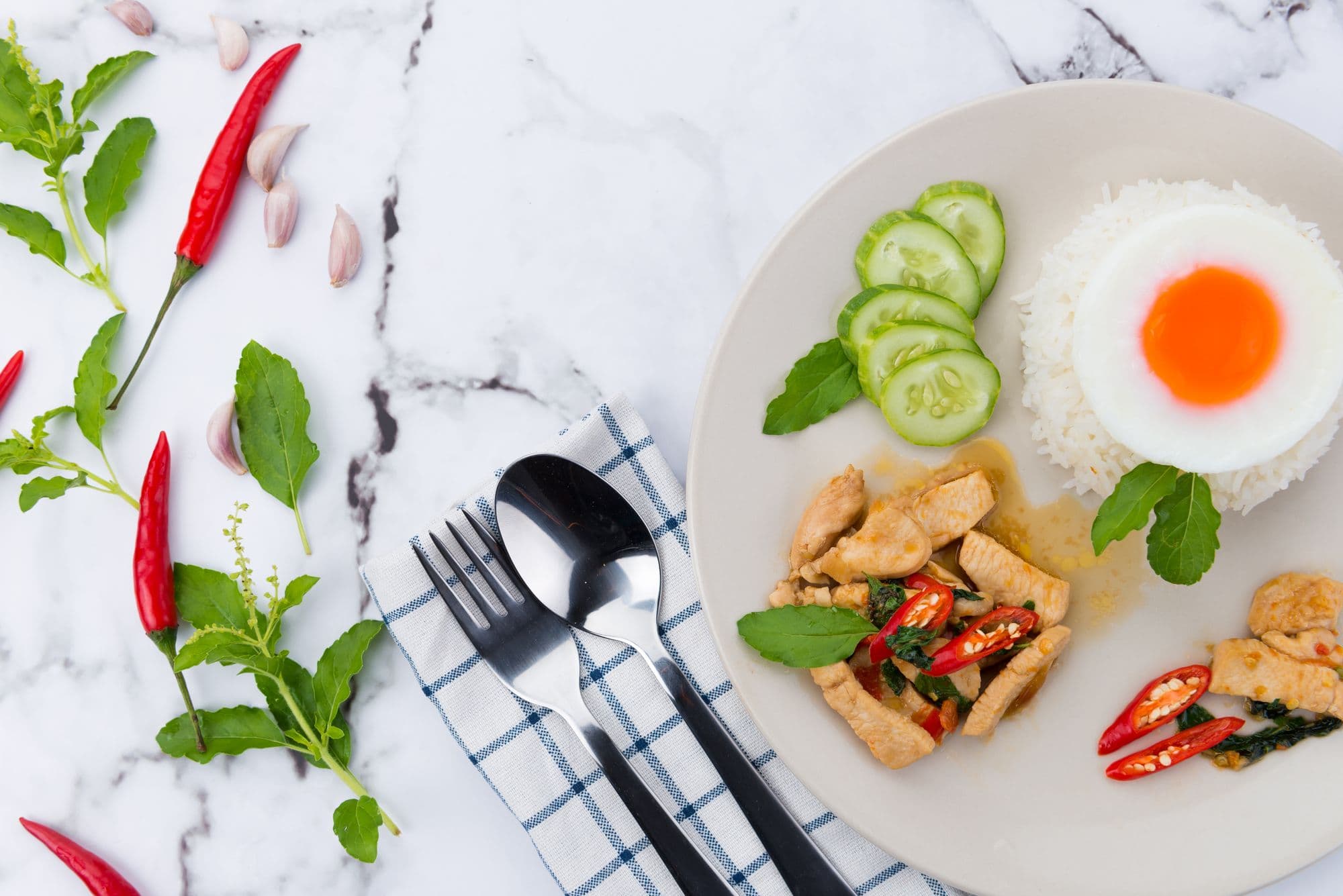
Scope
Meal prep software from the shopping cart to the front door.
Six surfaces that share one catalogue, one set of recipe versions and one order record. Nothing is re-keyed between them.
Storefront and customer portal
A shop your customers order from, and a portal they manage their plan in — both driven by your catalogue rather than a separate website you keep in sync by hand.
Subscriptions and checkout
The part most meal-prep businesses actually run on, modelled properly instead of as a recurring charge with a menu attached.
Kitchen production
What to cook, how much, and from which recipe version — computed from the orders that are actually locked, not from a guess.
Labels and compliance
Labels print from the same recipe and nutrition versions the kitchen produced against, at exact physical size.
Delivery, routing and the driver app
Dispatch that assumes the phone loses signal, because in a delivery van it does.
Admin, staff and the assistant
The back office, with the permissions and the audit trail a business with staff actually needs.
Questions Toronto operators ask
Can we cover the GTA without one route that takes the whole day?
Yes. You draw the areas you deliver to as zones on the map, and each zone gets its own delivery days, windows, fee and minimum order. The route for a day is built from the orders inside those zones, so a downtown run and a 905 run are two routes with two drivers on the same day, each with its own stop order — not one list somebody splits by hand at seven in the morning.
How does it handle HST on a Canadian menu?
You set the tax rate yourself in settings, per location, and choose whether your listed prices already include it or it is added at checkout. Mealforma does not decide the rate for you and does not file anything — which items are taxed and at what rate is between you, the CRA and your accountant. The rate applies to the order rather than per item, so a menu that needs two different rates on the same receipt is not something the software splits today.
What happens when a delivery cannot be completed in January?
The driver marks the stop as failed and picks a reason from a list you write yourself — no access, road not ploughed, nobody home. The failed attempt is kept as it happened, and the re-delivery is a new record that points back to it, so you can see how often a building or a street costs you a second trip instead of guessing.
Most of our customers are in condos with a concierge. Does that work?
Each customer's address carries their own access notes — buzzer code, which entrance, leave with the concierge — and the driver sees them on the stop rather than in a text message. A photo on delivery is recorded against that stop, so when a customer says the box never arrived you have the handover on file.
We have kitchen staff and a dispatcher. Can we limit what each of them sees?
Yes. Staff get roles with permissions, so a kitchen account can open the production lists and the labels without seeing customer payment details, and a driver only sees the stops on their own route. Changes to orders, prices and customer records are written to an audit trail with who made them and when.
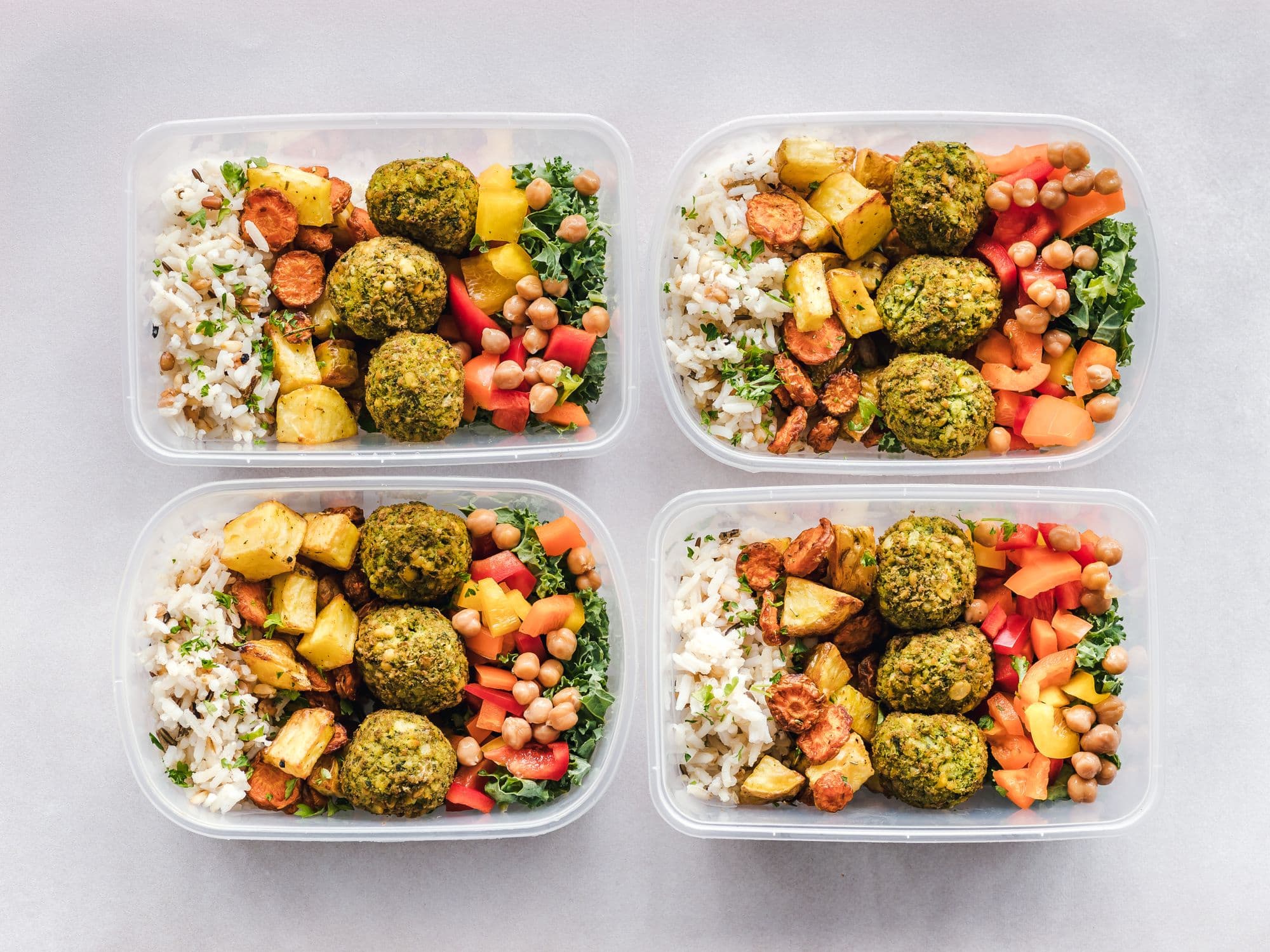
Production · Tuesday
Sample- Chicken teriyaki96
- Beef massaman64
- Falafel bowl48
Today
Sample- 24
- Orders
- 8
- Deliveries
- 113
- Subscribers
Avg. per meal · P 42g · C 55g · F 14g
Start in Toronto
Open your Toronto meal-prep shop this week.
- Online ordering
- Weekly subscriptions
- Kitchen production
- Labels
- Delivery routing
Start in Toronto
Open your Toronto meal-prep shop this week.
Create the account, add your meals, set your delivery days. The free trial is the whole product — storefront, subscriptions, kitchen, labels and routing.
Run your Toronto meal-prep company on one system.
One catalogue, one order record, one set of numbers in Canadian dollars — from the shopping cart to the customer's lobby.
7-day free trial on a real account · from $249/month · never a cut of your sales